raadix web-app for RCA or PRISMA
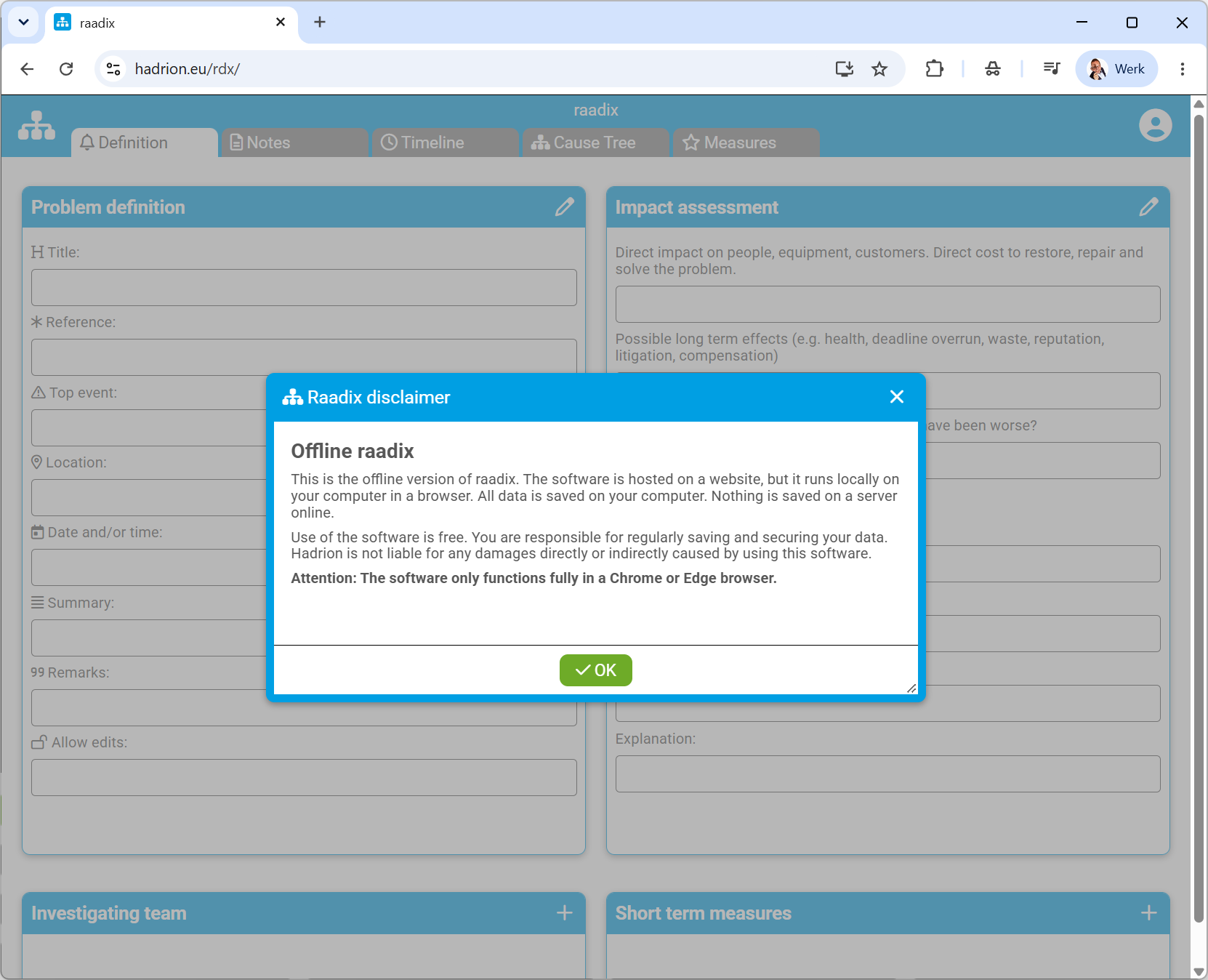
1. Start (disclaimer)
Nothing is stored online
2. Settings
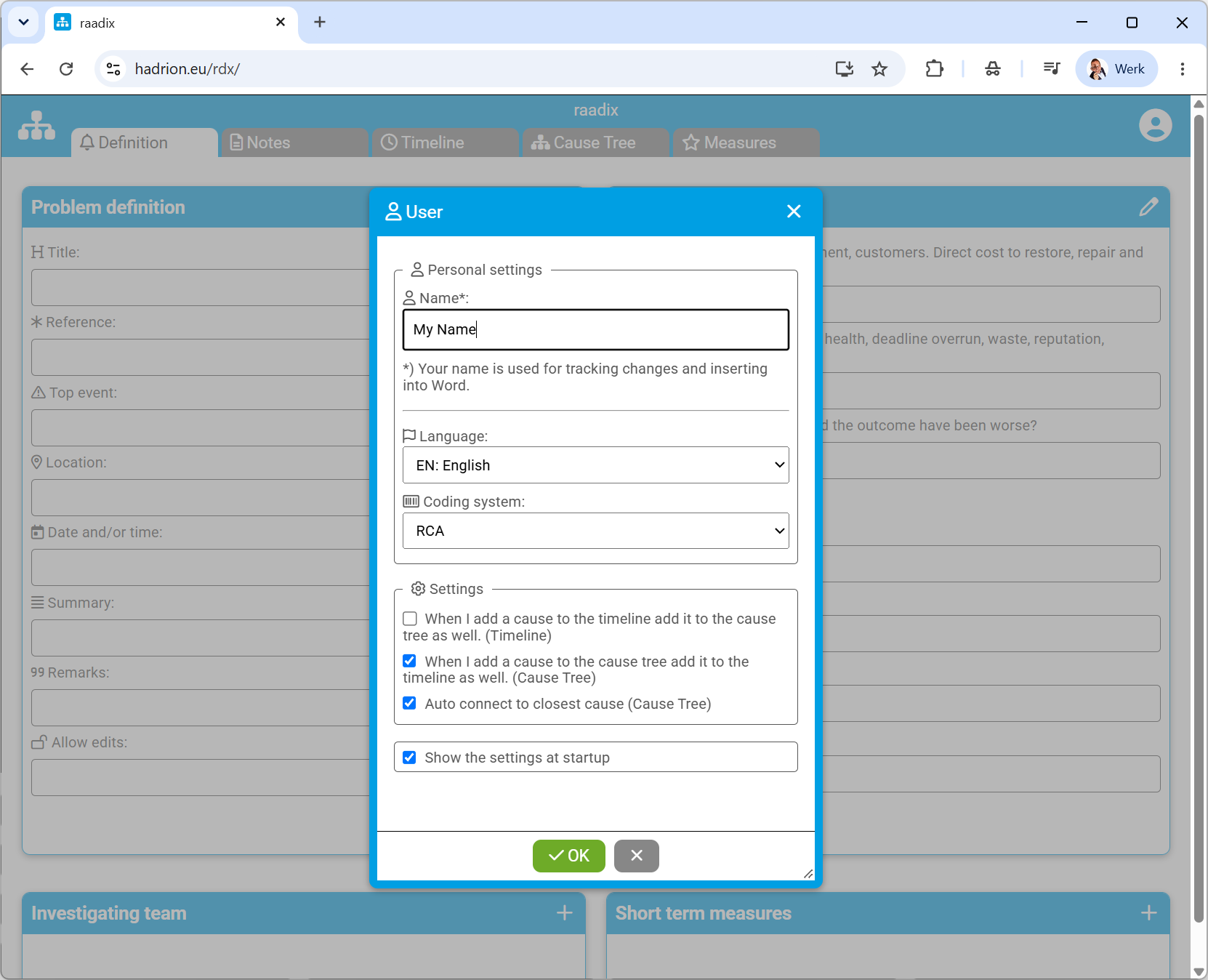
Your name is stored
on your computer
It is inserted when
exporting to WORD
Choose your preferred language
RCA or PRISMA
Your preferred settings
Save the settings to your computer
3. File menu
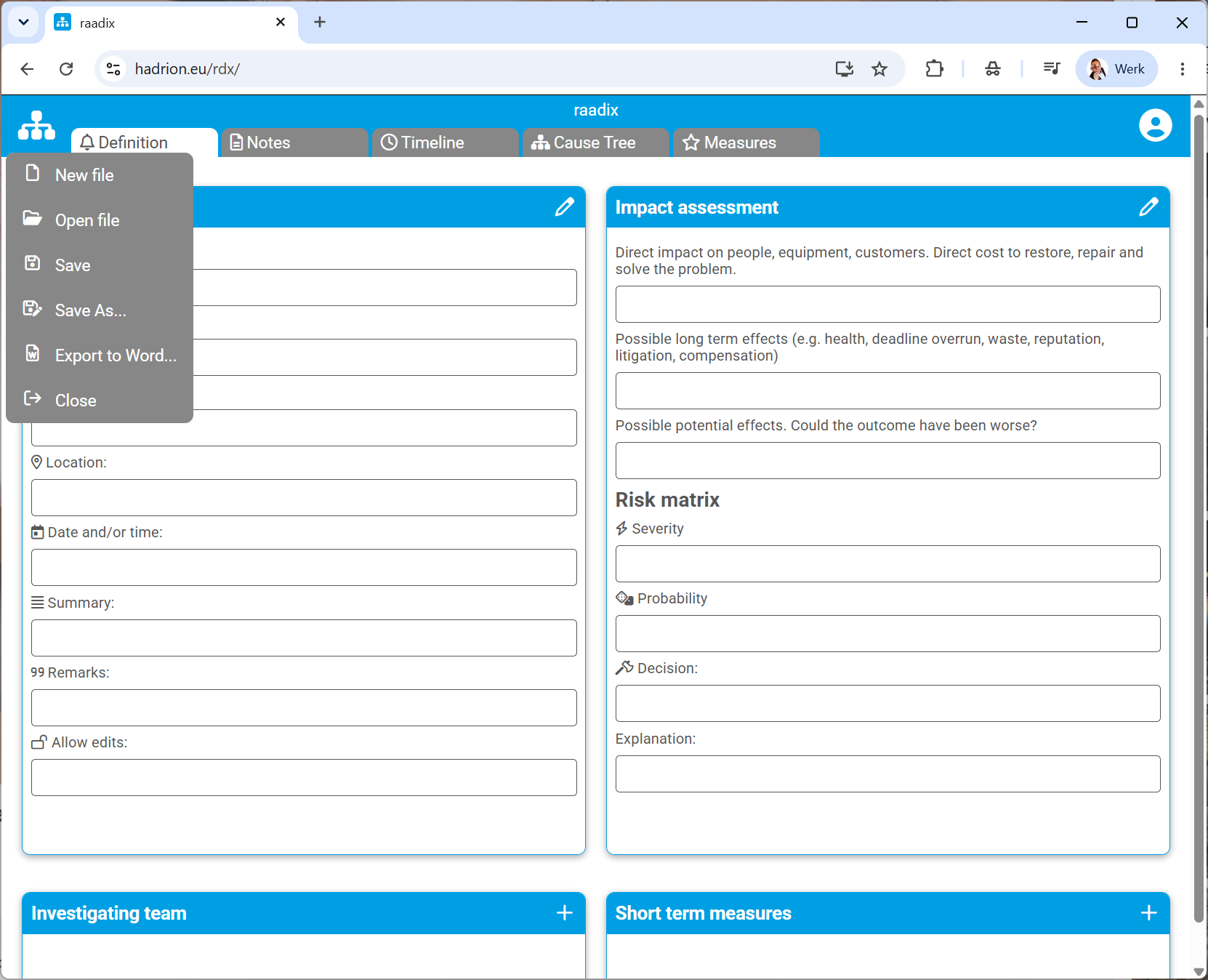
Open and save your files
Export your data to a WORD document
4. Definition
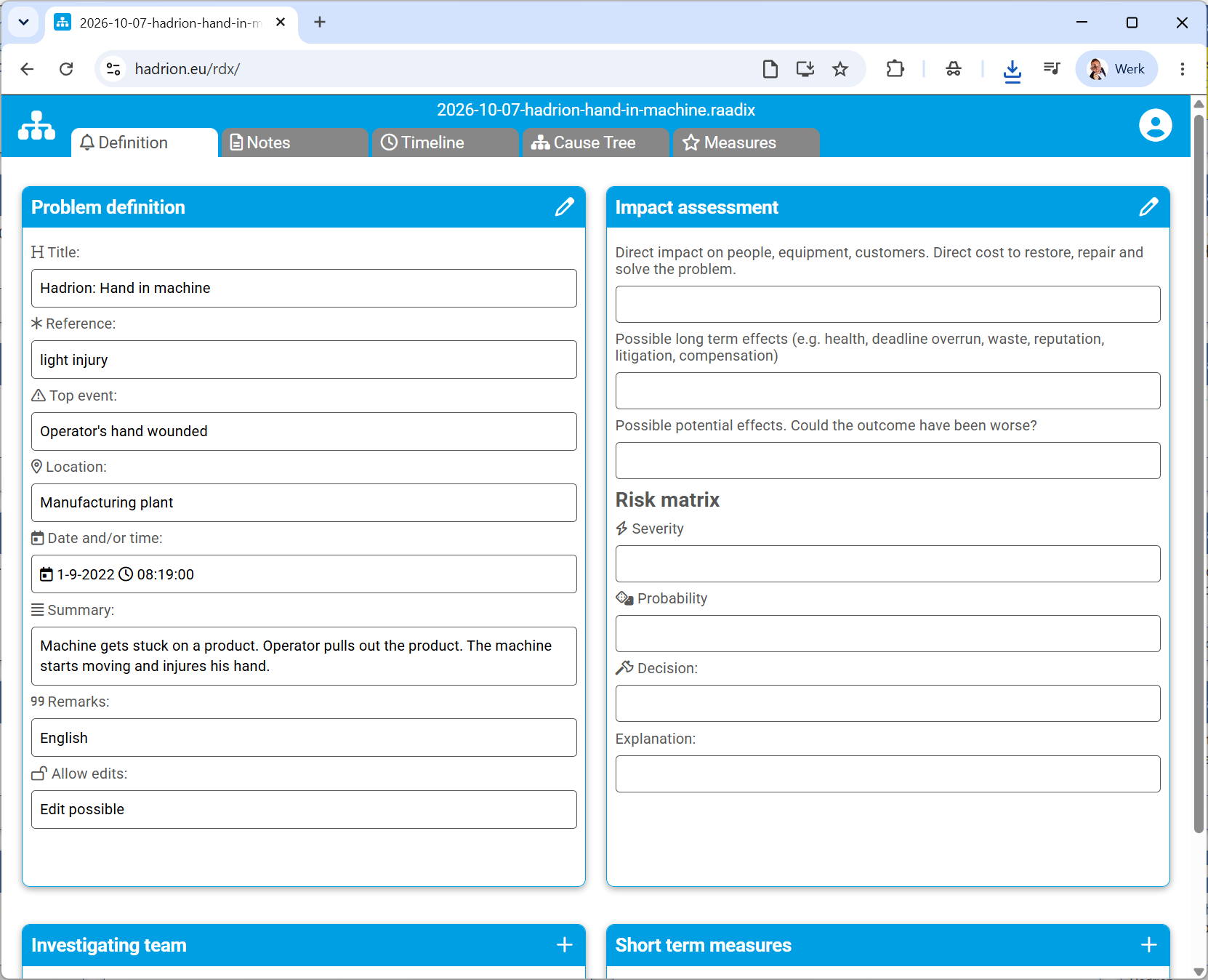
Edit
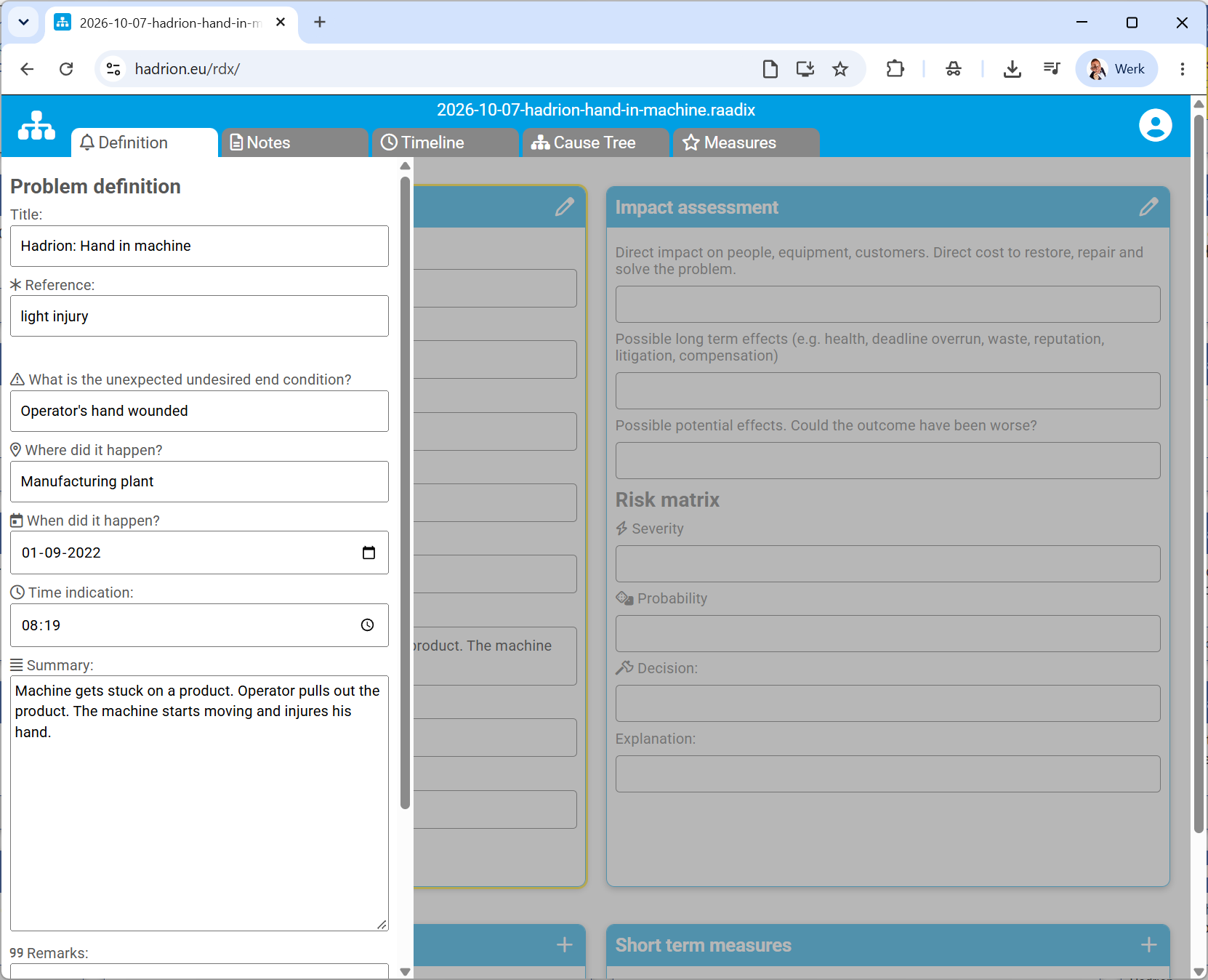
Title of incident
Top event

Scroll to bottom
OK

5. Notes
Edit note
Delete note
Add note
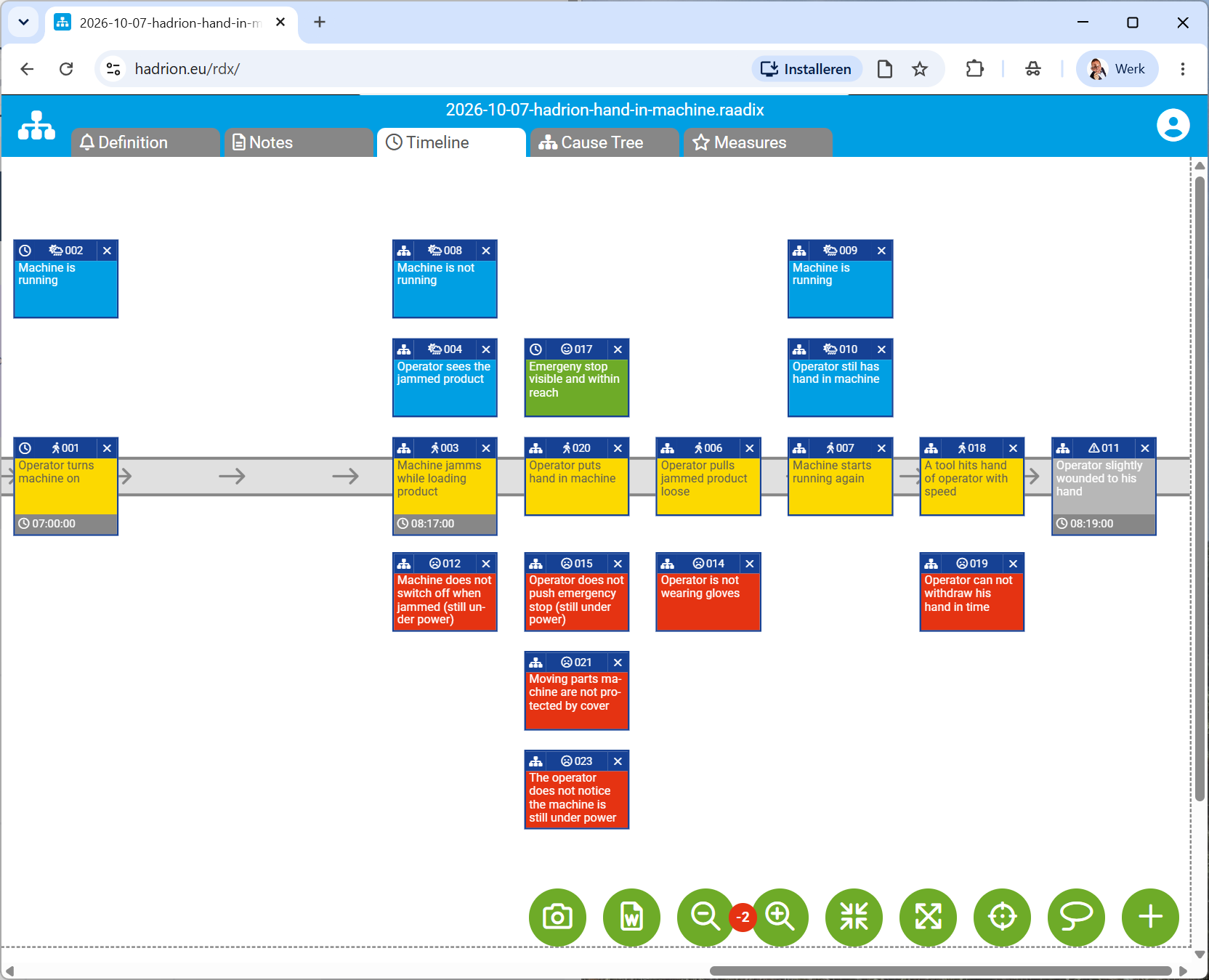
6. Timeline
Action
Condition
Failed barrier
Effective barrier or
compliment
Unexpected Undesired
End condition or Top event
Editing
Grab blue bar to move cause
Click text to edit cause
Click to show in cause tree
Buttons
Save as image file (png)
Export to Word document
Zoom out
Zoom in
Shrink virtual whiteboard
Expand virtual whiteboard
To selected cause or end of timeline
Select all
Add new item
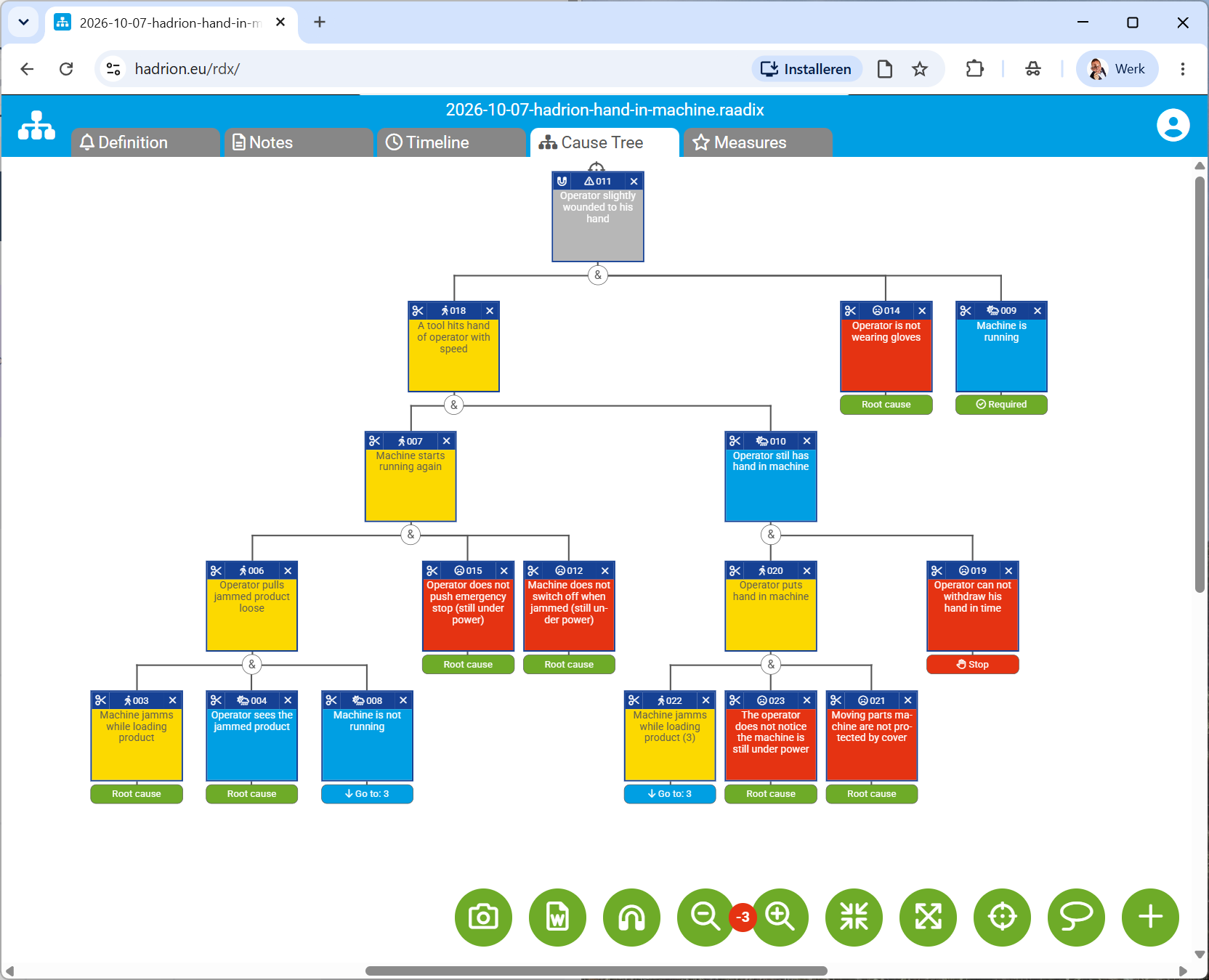
7. Cause tree or fact tree
Top event
Direct cause
Direct cause
Direct cause
Root Cause
Root Cause
Root Cause
STOP (not suited
for improvement)
REQUIRED (the operation
depends on it)
Editing
Grab blue bar here to move
Remove
connection
Click text to edit cause
Buttons
Save as image file (png)
Export to Word document
Auto-connect causes off (magnet off)
Zoom out
Zoom in
Shrink virtual whiteboard
Expand virtual whiteboard
To selected cause or center
Select all
Add new item

8. Root causes and measures
Root causes or causes marked for measures
Plan measures...
...and assurance policy
Remove selected item from list
Export to Word document
Order list by due date of measures
Order list by number
Edit selected
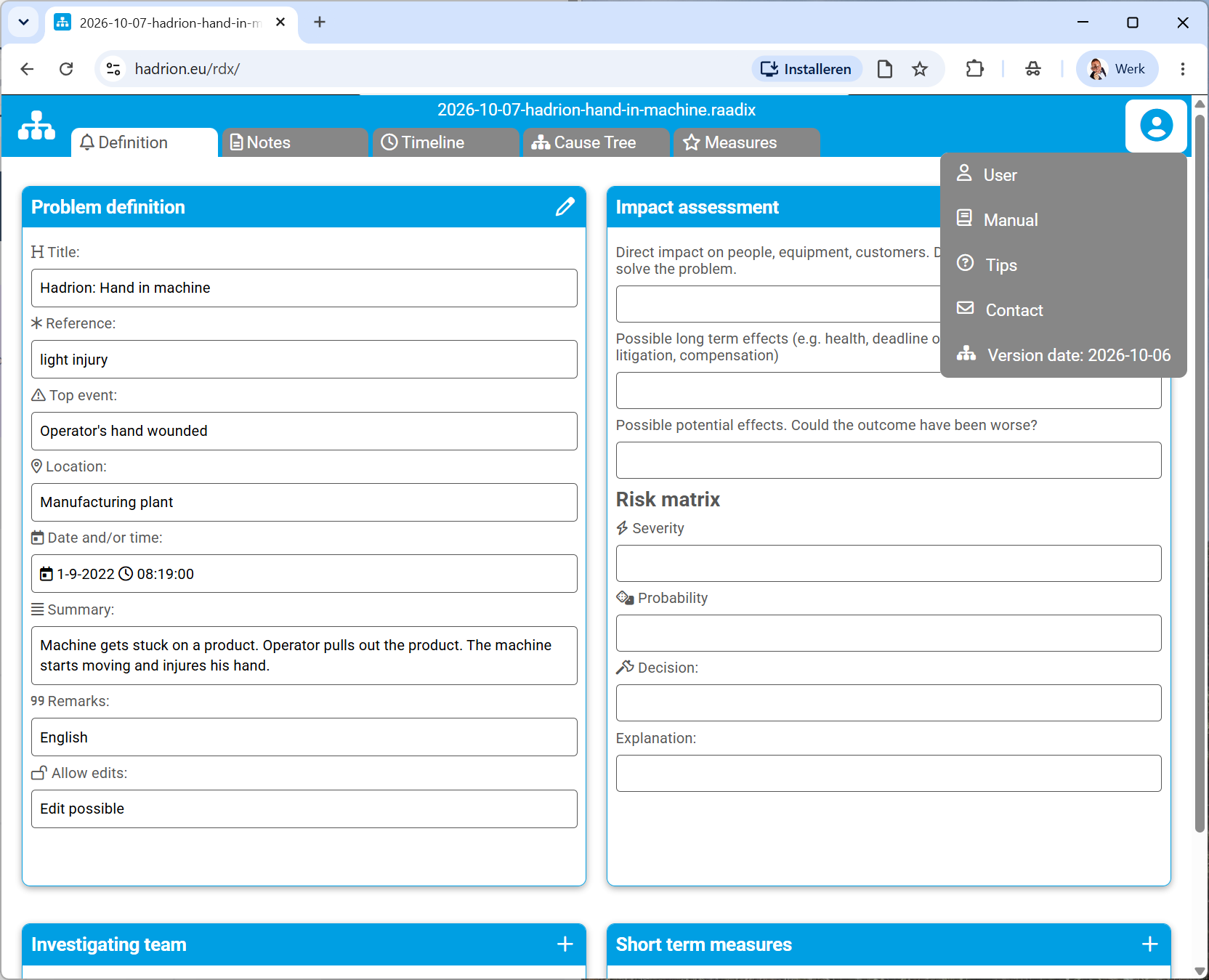
A. Supported languages: Czech, Dutch, English, Spanish, French, German, Hungarian, Polish, Portugues, Romanian, Slovak, Swedish, Ukrainian.
Click to view menu
Click User

Choose your preferred language
Supported languages: Czech, Dutch,
English, Spanish, French, German,
Hungarian, Polish, Portugues, Romanian,
Slovak, Swedish, Ukrainian.
Save the settings to your computer
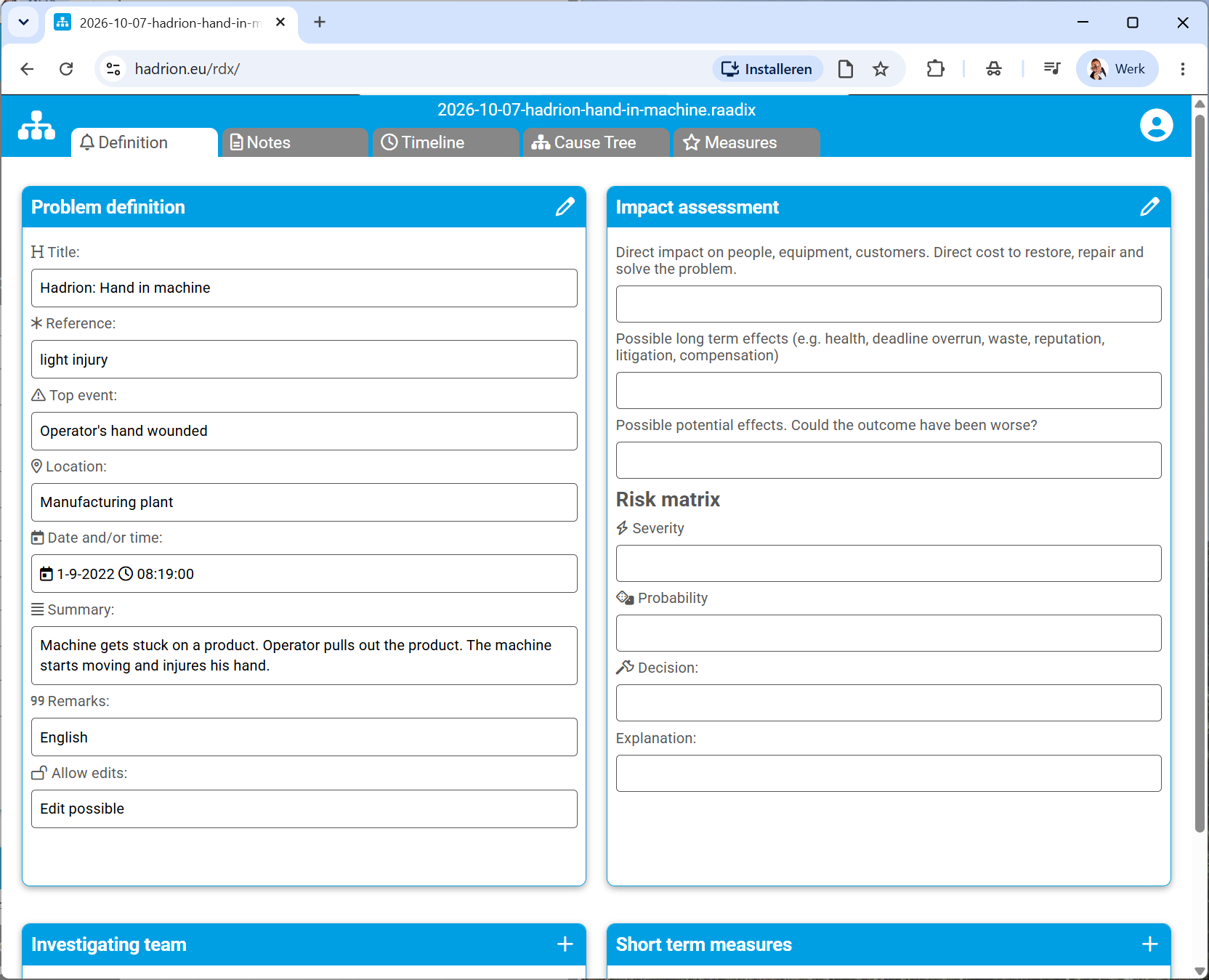
B. Install raadix on your desktop for easy access
Click to install raadix on your desktop
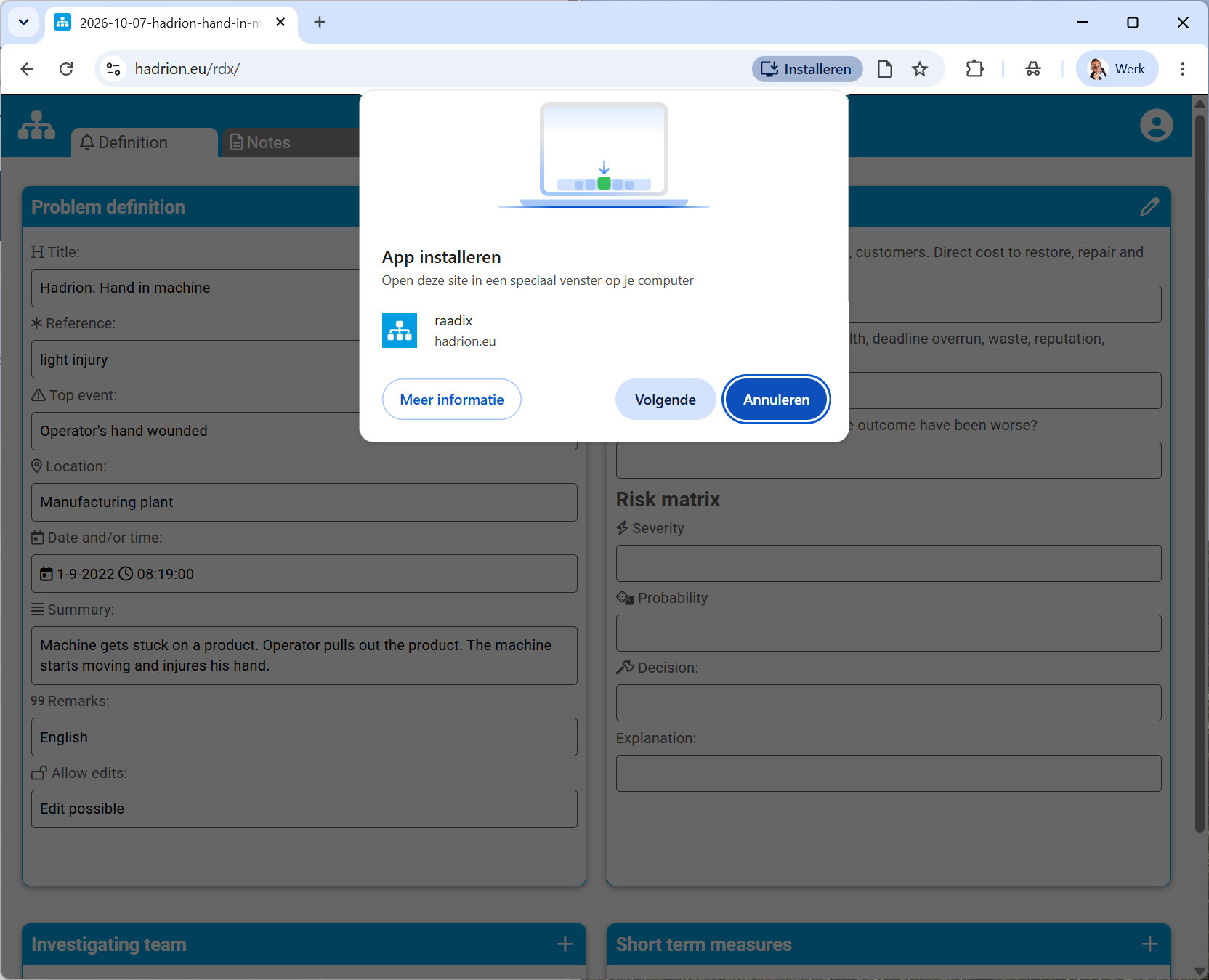
Click next
An icon with a link to raadix is installed on your desktop. The web app starts in a seperate window.